Job History
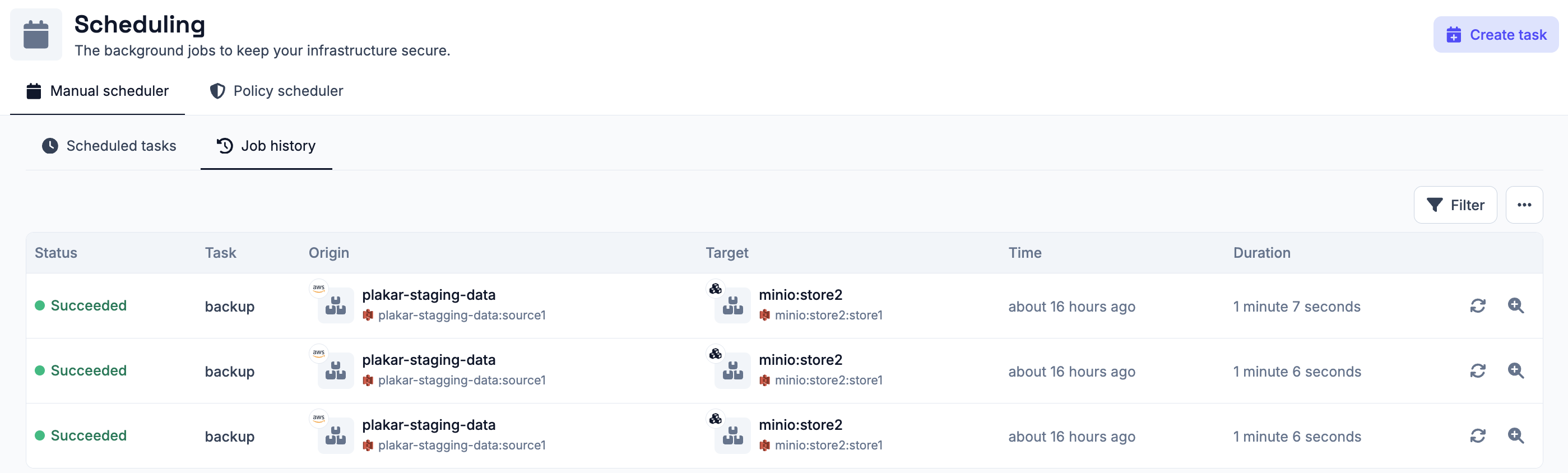
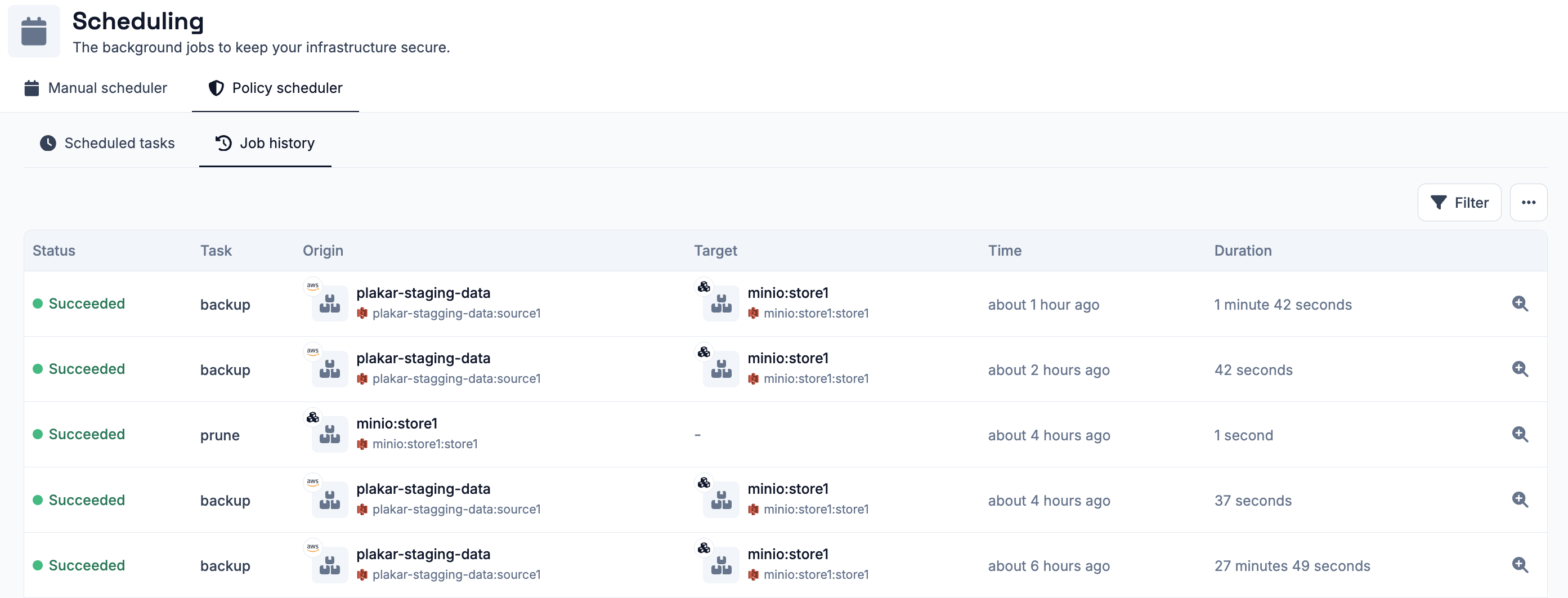
The Operations > Scheduling section includes a Job History for the manual scheduler, the policy scheduler, and each user scheduler, listing all jobs that have run, whether they succeeded or failed, along with any jobs that are currently running.
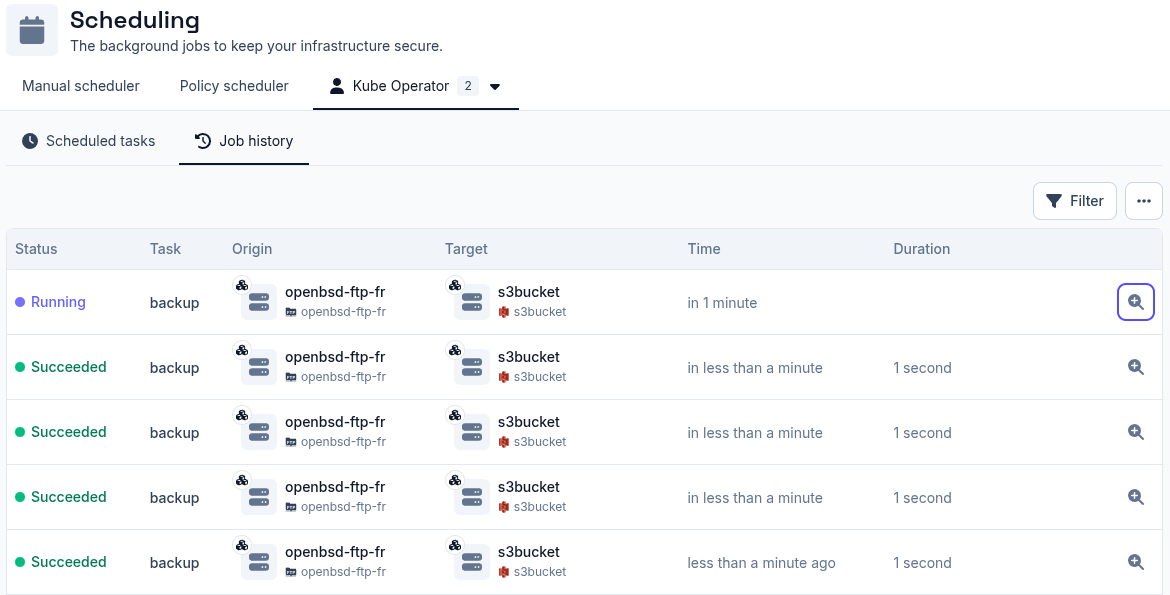
Job details
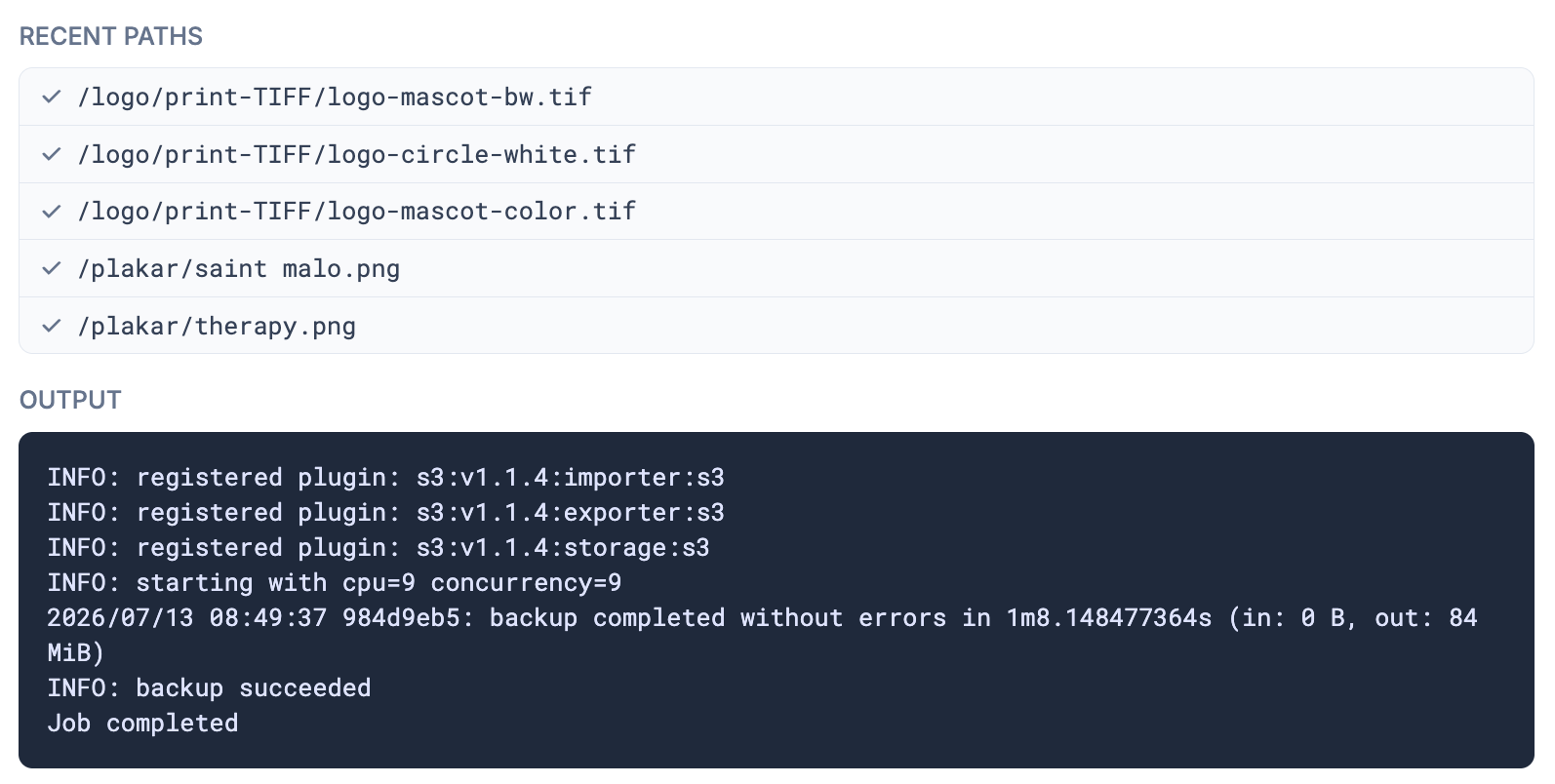
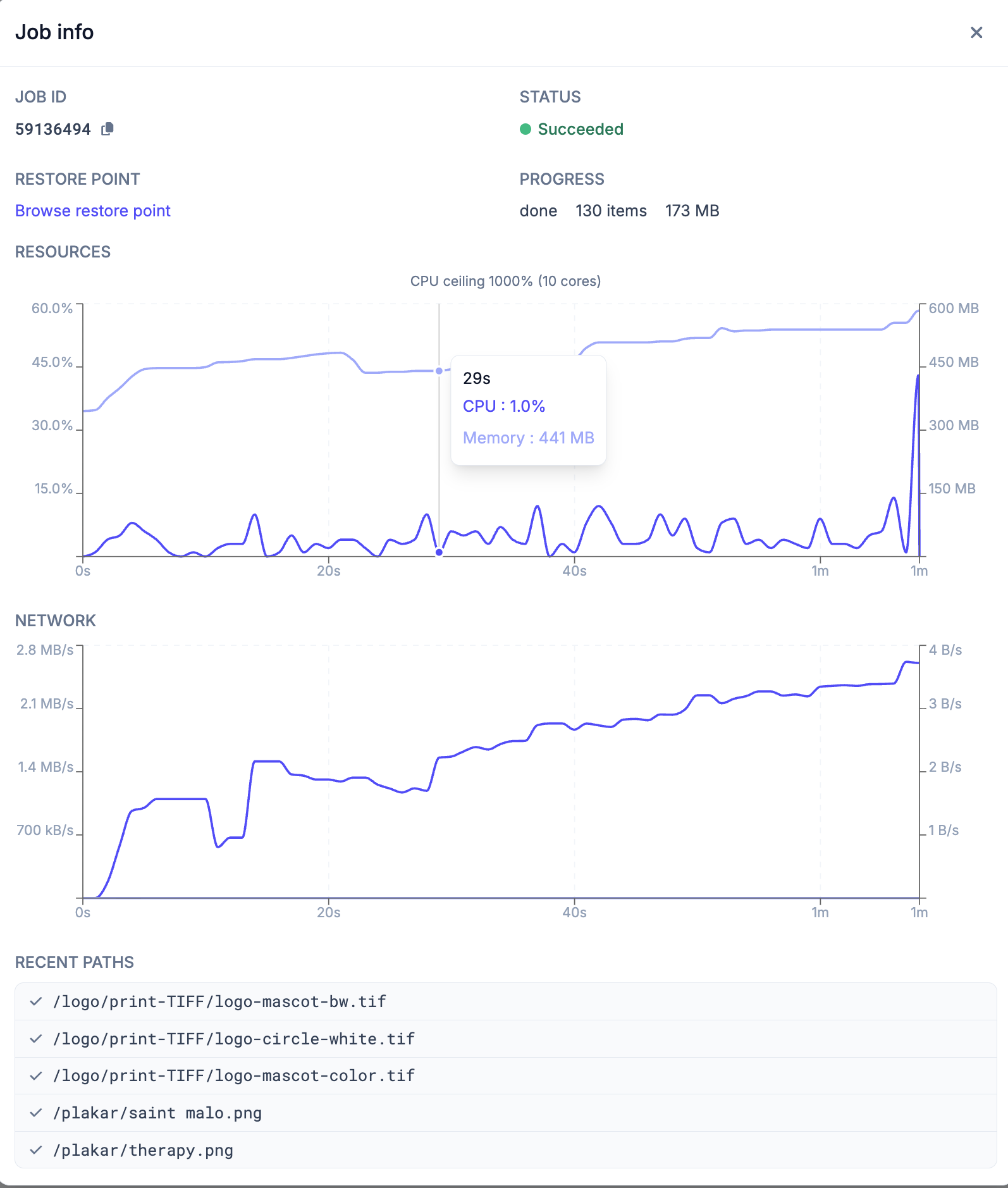
Each job has a details popup with the following information:
- Job ID - a unique identifier for the job
- Status - the current state of the job:
succeeded,failed, orrunning - Restore Point - the restore point produced by the job, available once the backup job completes
- Progress - the restore point ID, number of objects processed and bytes stored so far
- Resources - a graph of CPU and memory usage over the job’s runtime, hover over a point to see the exact values at that moment
- Network - a graph of network throughput over the job’s runtime
- Recent Paths - a live list of the last files being processed, each showing
whether it has
succeeded,failed, or is still inprogress - Output - the full log output for the job, useful for diagnosing failures. Logs can also be downloaded from this view using the download icon.
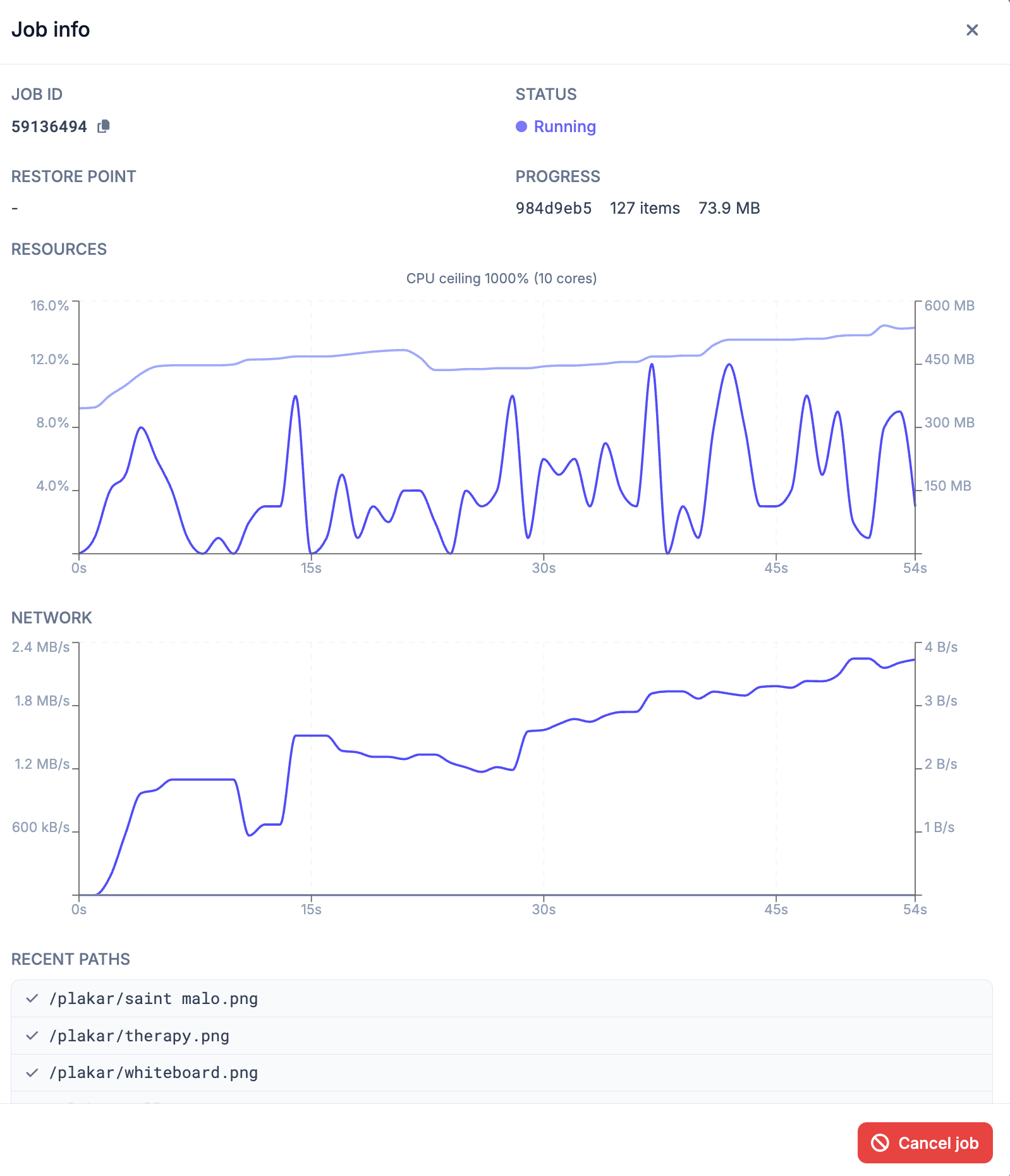
If a job is currently running, the output and recent paths update in real time. A Cancel job button is available to stop the job.
Failed or successful jobs from the manual scheduler can be retried directly from the job history list. This is not available for jobs triggered by the policy scheduler, as those are fully managed by the policies engine.
Jobs and Schedules on Apps
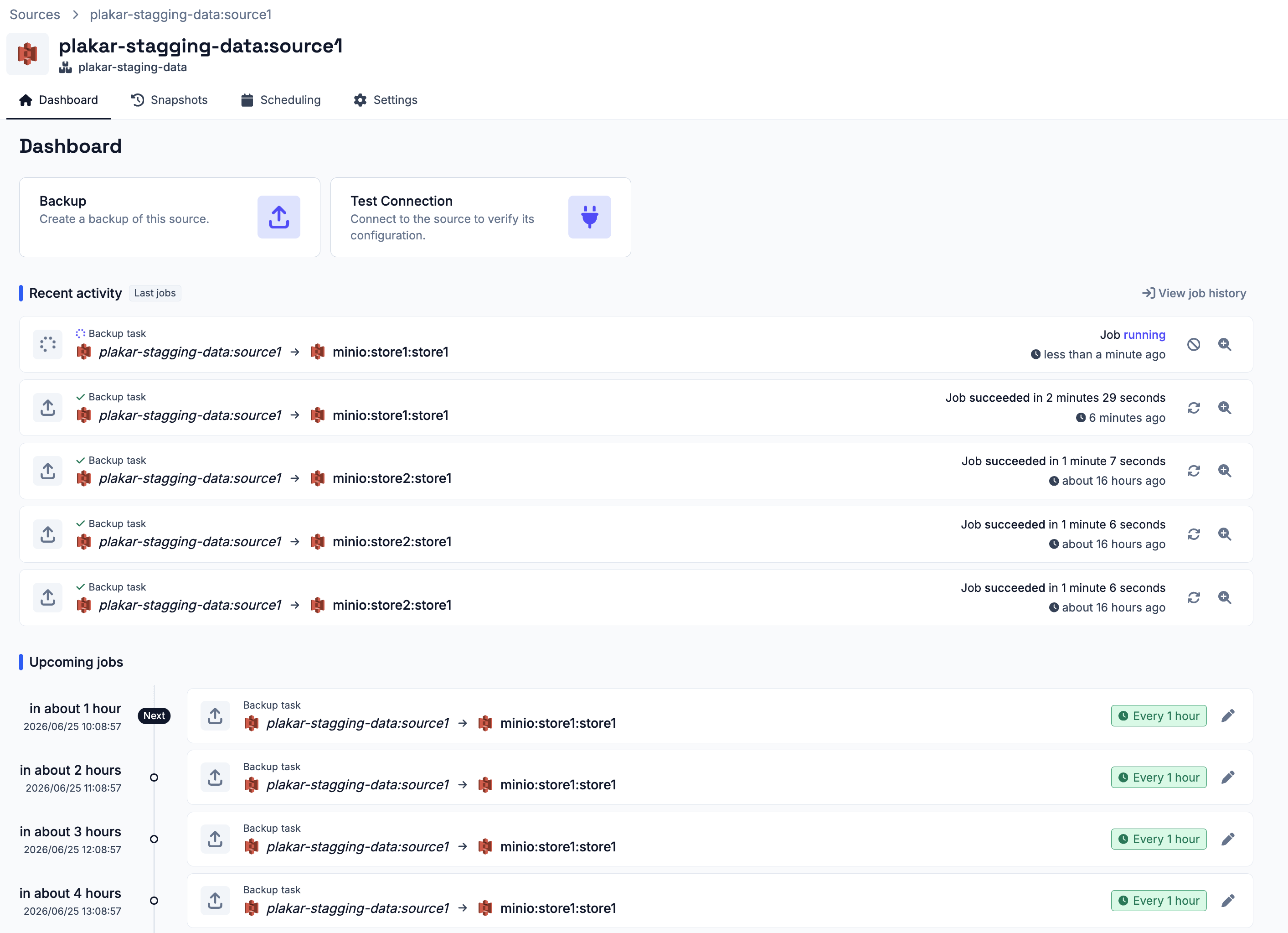
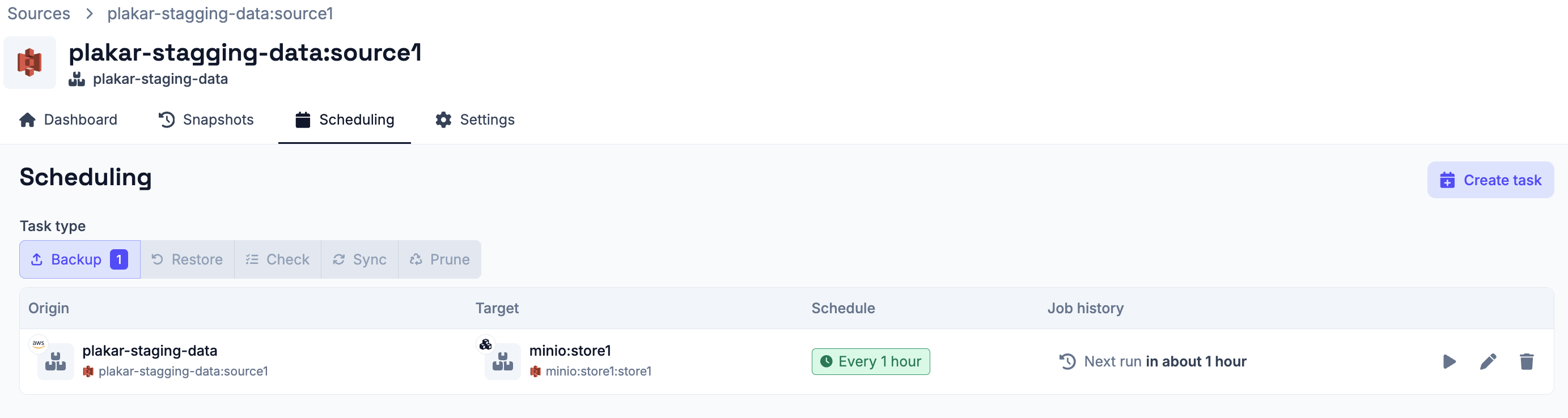
Each app (sources, stores & destinations) also surfaces scheduling information on its own details page:
- The Dashboard tab lists all past and upcoming jobs involving that app, scoped to that app only.
- The Scheduling tab lists all schedules that involve that app, so you can see at a glance what is configured to run and when.