Source App
A source app is the resource being protected, such as a database, a virtual machine or a bucket. Each backup reads the data of the resource and writes it to a store as a new restore point.
Creating a source app
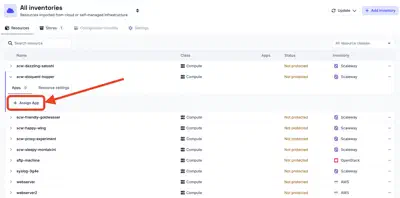
A source app is created from the Apps tab of the resource, with Assign App and the Source type. The integration, its configuration and the way fields are filled work as for every app, as described in setting up an app.
A source app also has an Environment and one or more Data Classes:
- Environment: the environment of the resource, such as production, development or testing.
- Data Class: the kind of data the resource holds, such as critical, database, financial records or PII.
When the resource carries environment and data class tags, both are filled in from them and can still be changed. The policies engine uses them to decide which policies apply to the source.
Backing up
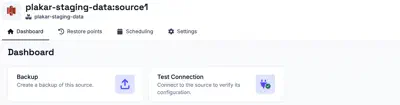
The Dashboard tab of the app creates a backup task from the source with Create Backup, once a store is available to back up to. See testing the connection and tasks.
Restore points
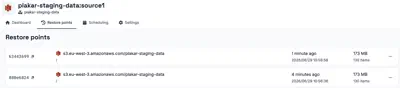
The Restore points tab lists the restore points available for the source. A restore point can be opened to view its files and download individual files without a full restore. It can also be downloaded whole, checked, or placed under a legal hold.